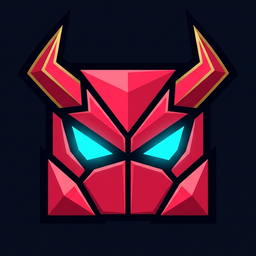
The GD Icon Kit & PFP Maker lets you design custom Geometry Dash profile pictures directly in your browser—no game files, mods, or downloads required.
How to Create Your GD PFP
- Choose a Vehicle Mode: Switch between Cube, Ship, Ball, UFO, Wave, Robot, Spider, and Swing with 4 crisp vector styles per mode (32 designs total).
- Pick Primary, Secondary & Glow Colors: Select from 16 classic Geometry Dash neon swatches or use the custom color picker for exact RGB matching.
- Select Transparent PNG or a Framed Background:
- Transparent PNG: Ideal for YouTube thumbnails, stream overlays, and Discord stickers.
- Cyber Grid, Neon Radial, Crimson Demon, Gold Foil, or Obsidian Holo: Ready-to-upload 512×512 avatars for Discord, TikTok, and YouTube profiles.
- Export or Sync: Click Download 512×512 PNG to save your icon locally, or click Sync to GDGacha Profile to update your live vehicle icon and accent color in Extreme Demon Gacha.
Frequently Asked Questions
What resolution are the exported Geometry Dash icons?
Every icon is rendered on a crisp 512×512 HTML5 Canvas and exported as a lossless PNG file.
Does syncing to GDGacha overwrite my card collection?
No. Syncing only updates your display avatar vehicle, accent color, and optional playerName inside edg_save_v3—all of your Demon cards, Holo foils, packs, and Void Shards remain untouched.